Manual Booking vs Automated Tattoo Scheduling
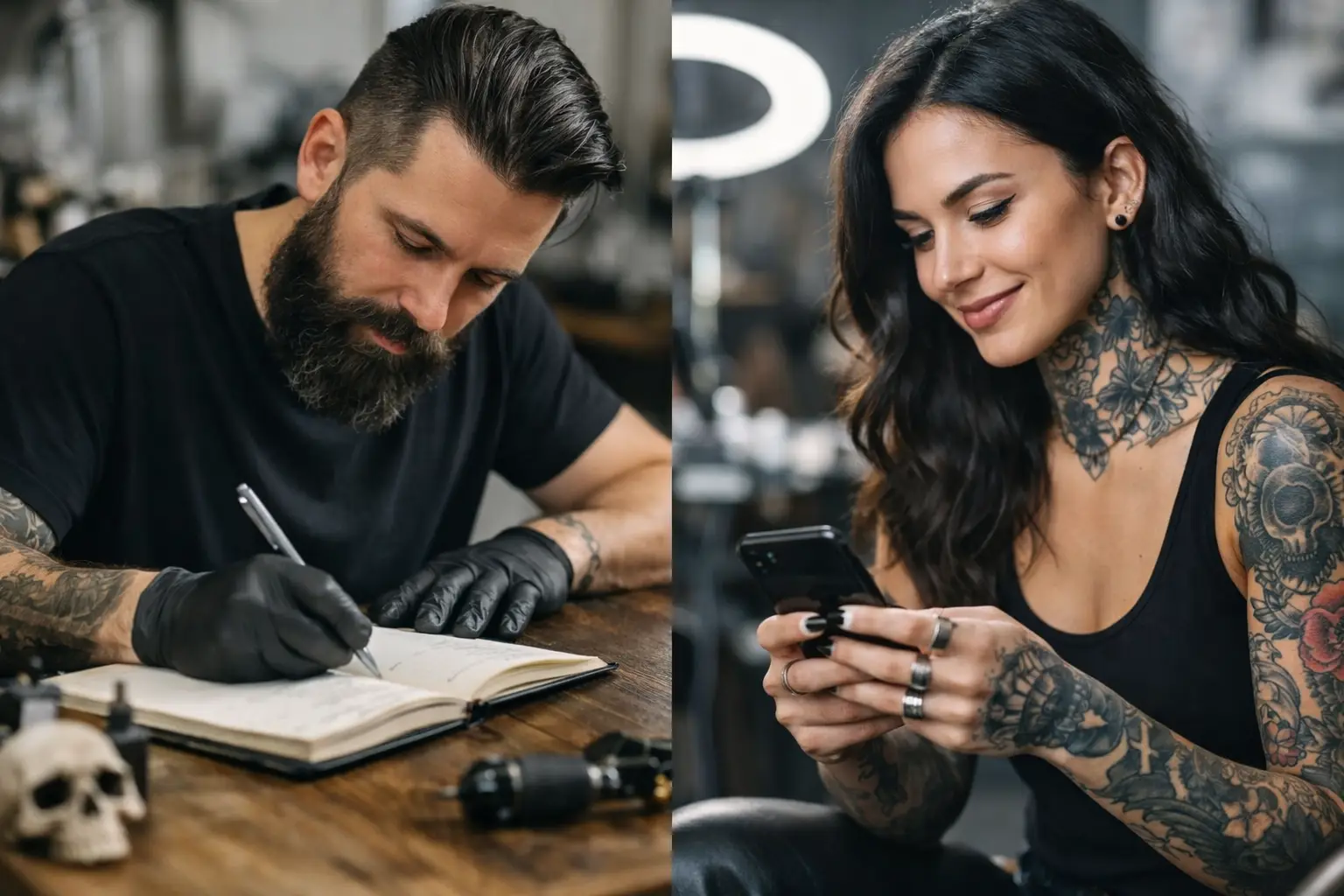
Your phone lights up at 11:43 p.m. Someone wants a sleeve, has three blurry reference photos, and says, “How much?” That is manual booking vs automated tattoo scheduling in one notification. One path means waking up to a pile of DMs. The other means clients answer the right questions, pick from real availability, and pay a deposit before they take up space in your calendar.
Manual booking is not evil. Plenty of great artists built full books one Instagram message at a time. But if you are still bouncing between DMs, text threads, payment apps, calendar notes, and consent paperwork, the system is probably tattooing your patience harder than your clients.
What Manual Booking Actually Costs
Manual booking feels personal because it is personal. You can read the vibe, ask follow-up questions, and decide whether a project is worth taking on before you offer a date. For custom work, that part matters.
The problem is not talking to clients. The problem is repeating the same admin conversation all day.
“How big?”
“Where on the body?”
“Black and gray or color?”
“What days work for you?”
“Here is my deposit info.”
“Did you send it?”
“Please fill out this consent form before your appointment.”
That is not client connection. That is a copy-and-paste marathon with occasional panic when somebody claims they already paid.
Manual booking also leaves too much room for loose ends. A client may get a date but forget the deposit. They may send a deposit but never complete the waiver. You may write their appointment in a calendar, then lose their reference photos somewhere between Instagram, email, and your camera roll. Nothing is impossible to manage manually. It just gets harder when you are drawing, tattooing, cleaning, answering messages, and trying to have a life after the shop closes.
The hidden cost is interrupted focus
Most artists do not sit down for four hours to handle bookings. They answer messages in tiny scraps of time: between clients, while setting up, during a break, or late at night when they should be off the clock.
That constant switching adds up. A five-minute reply becomes fifteen minutes when you have to check your calendar, find a payment, explain your deposit policy, and hunt down an old message. Do that twenty times a week and you have burned a serious chunk of tattoo time on work nobody booked you to do.
Where Automated Tattoo Scheduling Helps
Automated tattoo scheduling handles the repeatable stuff before it reaches you. Instead of asking every client the same opening questions, you set up an inquiry form that collects the details you need. Placement, size, style, budget, reference photos, preferred dates. No more trying to estimate a forearm piece from “about this big” and a selfie taken in bad bathroom lighting.
Once an inquiry is a fit, the client can book from available times, pay the required deposit, and complete their consent form. The appointment is not truly locked in until the important parts are done.
That changes the whole rhythm of booking. You are not chasing people to finish the process. The process does the chasing for you.
Automatic reminders also help reduce no-shows. They will not save every appointment. Life happens. But a client who gets clear reminders, knows where to go, and has money invested in the appointment is far less likely to disappear than someone who got a vague “see you Thursday” buried in a DM thread.
For artists who work in busy shops or split time between tattooing and drawing, this matters even more. A clean system means you can check one place and know who is booked, who has paid, who signed their paperwork, and what tattoo they are coming in for.
Manual Booking vs Automated Tattoo Scheduling: The Real Trade-Off
Automation should not turn your booking process into a vending machine. Tattooing is personal. Not every client should be able to grab any open slot, especially if you do large custom pieces, cover-ups, or projects that need a proper consultation first.
The best setup is not always “let everybody book anything.” It is usually a mix.
Use automation for the boring, repeatable steps: collecting inquiries, setting availability, taking deposits, sending reminders, handling payments, and getting consent forms signed. Keep the human part for decisions that need your eye and experience: choosing projects, planning sleeves, talking through cover-ups, and setting expectations for complicated work.
If your books are light, full automation may not be the first thing to fix. You still need good work, clear photos, a solid portfolio, and a reason for clients to choose you. Scheduling software cannot make a weak inquiry turn into a perfect tattoo client.
But if inquiries are coming in and you are losing them because replies take too long, dates get mixed up, or deposits never land, automated scheduling can stop that leak fast.
When manual booking still makes sense
Manual booking can work well if you take a small number of highly custom projects and personally screen every request. It can also work if you are just starting out and your calendar is not packed yet.
Even then, you do not have to do everything by hand. You can keep control over which projects you accept while still using automatic consents, built-in payments, and deposit rules. That is not less personal. It is less paperwork.
Think of it this way: clients do not need you to manually type the same deposit instructions for the hundredth time. They need you present, prepared, and focused when it is time to talk about their tattoo.
What a Better Booking Flow Looks Like
A good tattoo booking process should feel simple on both sides. The client should know what to do next. You should not need a detective board to figure out where they are in the process.
First, the client submits an inquiry with useful details and reference photos. You review it and decide whether it is a fit. Then they choose from approved availability, pay the deposit, sign the consent form, and receive appointment reminders. On tattoo day, their details, paperwork, and payment status are already in one place.
That is the whole idea. Fewer tabs. Fewer screenshots. Fewer “Wait, did they ever pay?” messages.
OneBook was built for exactly this mess: inquiries, appointments, deposits, payments, and consent forms in one app. It is built for tattoo artists, not people who enjoy spreadsheets for fun. At $19.99 a month after a free 30-day trial, it is dirt cheap compared with losing even one deposit or spending another Sunday afternoon sorting through old DMs.
How to Switch Without Making It Weird for Clients
You do not need to rebuild your whole booking process overnight. Start with the part that annoys you most.
If deposits are the headache, make deposits required to hold an appointment. If consent forms are always getting forgotten, send them automatically before the session. If your inbox is a disaster, use a proper inquiry form so every new request starts with the same useful info.
Tell clients clearly what changed and why. Something simple works: “All new appointments go through my booking link. You can send your idea, pay your deposit, and fill out your form in one place.” Most clients will be relieved. People like knowing their appointment is actually confirmed.
You can also leave room for exceptions. If a longtime client texts you directly, you can still talk like a human. The point is not to put a wall between you and your clients. The point is to stop letting admin work run your studio.
Your time is better spent designing tattoos, putting ink in skin, and giving clients a great experience. Let the booking system handle the parts that do not need your hands. Then when your phone lights up at 11:43 p.m., it can wait until morning.
