Digital Forms for Tattoo Studio, Done Right
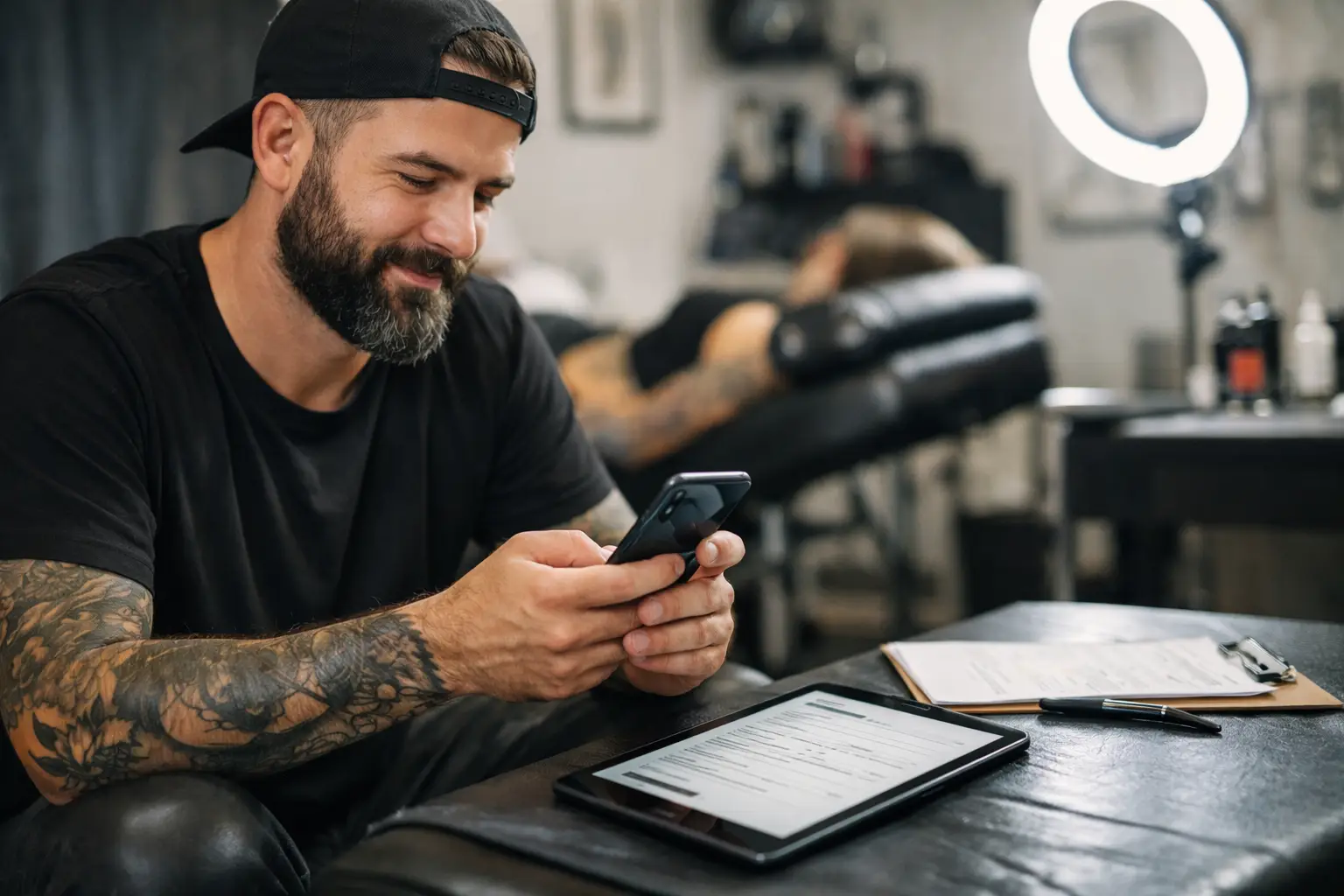
A client is in the chair. Your stencil is on. The machine is ready.
Then someone asks, “Did they sign the consent?”
That is exactly why digital forms for tattoo studio matter. Not because paperwork is exciting. It is not. But because paper waivers, half-filled intake sheets, and photos of signatures buried in your camera roll are a terrible way to run a busy studio.
Good digital forms keep the boring stuff handled before the appointment starts. Less back-and-forth. Less digging. More tattoos.
Paper forms work - until they really don’t
A clipboard can get the job done when you are doing a few appointments a week. Once your books get fuller, the cracks show fast. A client forgets their ID. Someone fills in one section and skips three more. A waiver gets stuffed into the wrong folder. Your front desk is looking for a form while you are trying to finish a forearm piece.
And paper does not help much with the stuff that happens before the client walks in. You still need to send it, remind them about it, check whether it is complete, and match it to the right appointment.
Digital forms remove that scramble. Send the form with the booking details. Let the client complete it from their phone. Check that it is done before they arrive. Simple.
This is not about replacing the human side of tattooing with screens. It is about keeping screens from stealing your time all day.
What tattoo consent forms need to cover
Your consent form is not just a signature box at the bottom of a wall of tiny text. It is the place where a client confirms they understand what they are getting into and gives you the information you need to tattoo safely.
The exact requirements depend on your state, county, city, and studio rules. Check what applies where you work. A digital form should support your studio’s legal requirements, not magically replace the need to follow them.
Still, most tattoo consent paperwork needs a clear record of the client’s identity, contact information, age confirmation, and acknowledgment of the procedure. It should cover health questions relevant to tattooing, common risks, aftercare expectations, and permission to perform the tattoo. You may also need photo ID details, guardian paperwork where legally allowed, or extra acknowledgments for certain placements and services.
Keep the wording plain. Clients should be able to read it without feeling like they are signing up for a satellite launch. If a section matters, make it clear. If they need to answer a question, do not hide it in a paragraph nobody will read.
Consent is not a one-click shield
A signed form is useful documentation. It is not a free pass to ignore a red flag, skip a conversation, or tattoo someone who should not be tattooed that day.
If a client’s answers raise questions, pause and talk through them. If they seem unsure about the design, placement, or aftercare, handle that before the needle touches skin. The form backs up a good process. It does not replace good judgment.
The best time to send a form
Send consent and intake forms after a booking is confirmed and before the appointment. Not while the client is already standing at the counter. Not after you have started setting up.
For many studios, the sweet spot is right after the deposit is paid. The client has committed, they have their appointment on the calendar, and they can fill everything out without being rushed. A reminder closer to the appointment catches the people who opened it, got distracted, and disappeared into the void.
There are exceptions. Walk-ins need a faster setup. Repeat clients may only need to review and sign an updated form rather than redo every field. Touch-ups might need a shorter version. That is the point: your forms should fit the appointment, not force every client through the same maze.
Build forms clients will actually finish
The fastest form is not always the shortest one. It is the one that makes sense on a phone and does not make clients guess what you are asking.
Start with the information you truly need. Break longer forms into clean sections. Use checkboxes for straightforward acknowledgments and open fields only when a client needs to explain something. Make required fields obvious, but do not turn every tiny detail into a required field just because you can.
A good form usually follows the order a client expects: personal details, ID and age confirmation, health questions, consent, then signature. If you ask about aftercare, give them a clear acknowledgment that they received or understand the instructions. Do not make them scroll through a novel to find the signature line.
Before you send it to clients, fill it out yourself on your own phone. If it is annoying for you, it will be annoying for them too.
Keep forms tied to the right appointment
A digital consent form is only helpful if you can find it when you need it. A random folder full of PDFs is just a digital junk drawer with better lighting.
Each completed form should be connected to the client and their appointment. That way, when someone comes in for a session, you can see whether their paperwork is complete without searching names, dates, email threads, and screenshots.
This also matters when a client comes back months later. You should be able to pull up their prior details, see what they signed, and know whether they need an updated form. No filing cabinet archaeology required.
OneBook keeps inquiries, appointments, deposits, payments, and automatic consents in one place. That means the booking is not in one app, the deposit in another, and the signed waiver hiding somewhere you will definitely forget to check.
Digital forms for tattoo studio should protect privacy
Consent forms can contain personal contact details, ID information, and health-related answers. Treat that stuff with care. Do not leave printed forms on a counter all day. Do not send completed paperwork into a group chat. Do not keep client ID photos mixed in with healed tattoo pics on a personal phone.
Choose a system that gives your studio controlled access and keeps records organized. Decide who actually needs to see client information. An artist may need their own appointment details, while a shop manager may need broader access. Not everybody needs everything.
You should also set a retention routine. Know how long local rules require you to keep records, where they live, and who can retrieve them. If you move studios or add artists, organized records save a lot of headaches.
Use forms to reduce appointment-day friction
The real win is not the form itself. It is how much smoother appointment day feels when the form is already handled.
Your client arrives, checks in, and you can focus on the tattoo. You are not hunting for a pen. You are not explaining why a signature is missing. You are not trying to read somebody’s rushed handwriting while they are asking about numbing cream.
That calm matters, especially on bigger days. A full-day client already has plenty on their mind. Having their details, consent, and booking information ready makes your studio feel prepared without making the experience stiff or corporate.
It also gives you a cleaner way to handle changes. If the appointment shifts, the design changes significantly, or the client needs to update information, you have a record instead of a vague memory from three months ago.
Set it up once, then stop babysitting paperwork
Start with your current paper form. Keep what is legally required and genuinely useful. Cut duplicate questions, confusing wording, and anything you never look at. Then make a version for standard tattoo appointments before building special forms for walk-ins, touch-ups, or other services.
Test the client experience from booking through signing. Make sure the form arrives at the right time, is easy to complete on a phone, and is easy for you to find afterward. Then tell clients what to expect: complete your consent before your appointment, bring valid ID, and show up ready to get tattooed.
Paperwork will never be the fun part of the job. But it should not be the thing slowing down the fun part either. Set up digital forms that respect your clients, protect your studio, and leave your hands free for the work people actually came to see.
