Separate Apps vs Tattoo Platform for Artists
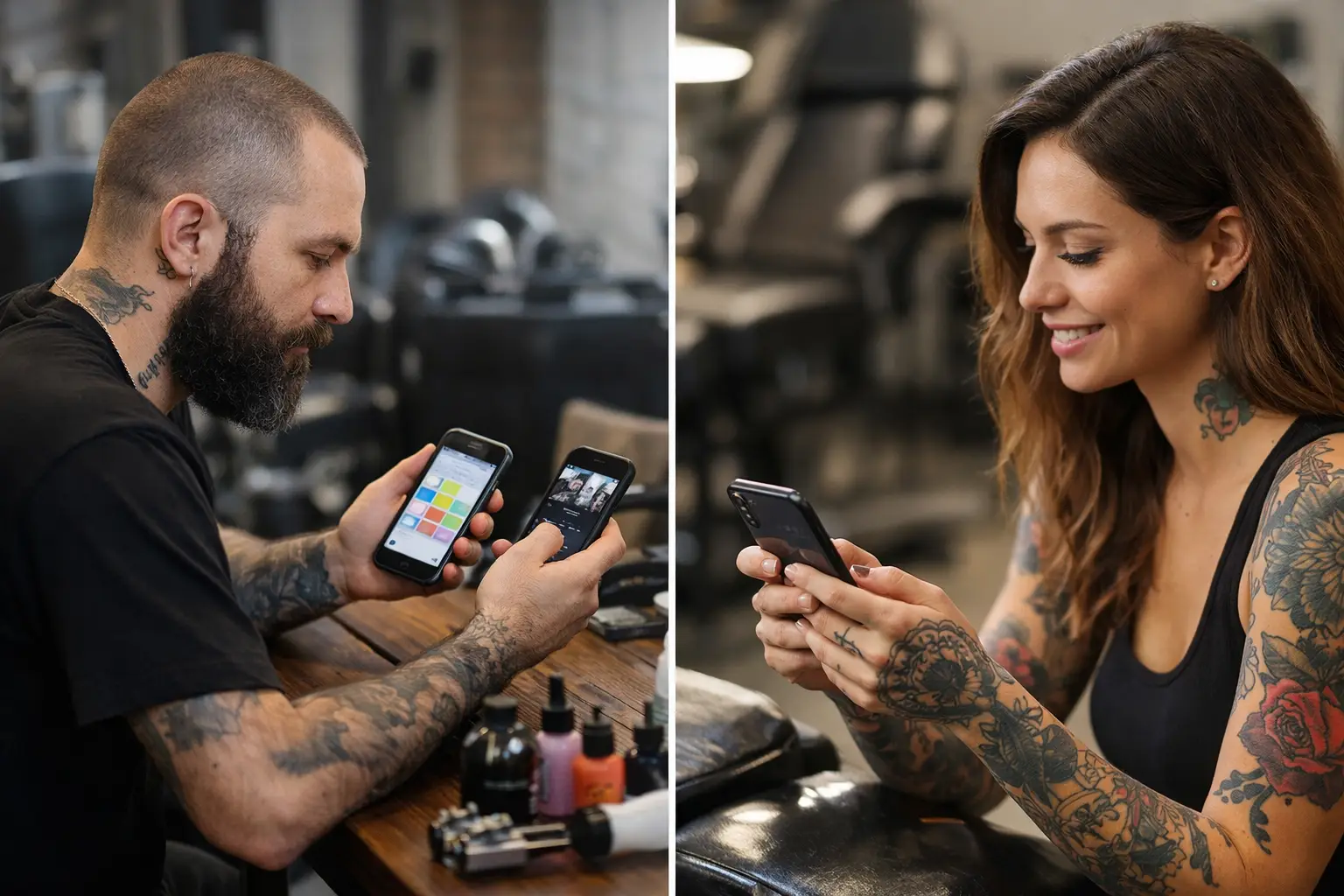
Your client says they sent the reference photo “somewhere in the chat.” The deposit is in a payment app. Their appointment is in your calendar. Their consent form is either buried in email or sitting on the front counter.
That is the real separate apps vs tattoo platform debate. It is not about fancy tech. It is about whether you spend your night answering the same questions in three places or drawing for tomorrow’s tattoo.
Separate apps can get a tattooer started. Most of us did it that way. DMs for inquiries, a calendar for bookings, a form tool for paperwork, a payment app for deposits, and maybe a spreadsheet when things get busy. It works right up until it does not.
Separate Apps vs Tattoo Platform: The Actual Difference
Using separate apps means each part of booking lives in its own little room. The client walks from room to room, and so do you. They message you for availability, then you send a booking link, then they ask where to pay, then you chase the consent form before the appointment.
A tattoo platform puts that trail in one place. Inquiry. Appointment. Deposit. Consent. Payment. The client has fewer steps to miss, and you have fewer tabs to babysit.
That sounds small until you are booking 10 appointments between appointments, replying to messages during dinner, or trying to find out whether Friday’s client actually paid a deposit. Admin has a funny way of multiplying when it is scattered.
The point is not that every app you use is bad. A separate calendar or payment tool may be familiar, and familiar feels fast. But familiar can also mean you are doing the same handoff over and over because the tools do not talk to each other.
Where Separate Apps Start Costing You Time
The monthly price of a few tools can look harmless. A little here, a little there. But the bigger cost is the time between each step.
Think about a normal booking. A client sends an inquiry. You sort through their idea, placement, size, availability, and reference photos. You offer a date. They disappear for two days. They come back asking if the date is still open. You send deposit info. They pay, but forget to include their name. Then, on tattoo day, they still need a consent form.
None of those steps is hard by itself. Together, they turn one tattoo into a pile of tiny jobs.
Separate apps also make it easier for details to fall through the cracks. You may have the right date but the wrong phone number. You may have a deposit but no signed consent. You may have their reference image in one message thread and their placement notes in another. No one becomes a tattoo artist because they love playing detective.
There is also the client side. Good clients are busy too. If the booking process feels like a scavenger hunt, some will put it off. Others will book the date but miss the deposit. A few will show up without completing paperwork. More friction usually means more back-and-forth, and more back-and-forth gives people more chances to bail.
What an All-In-One Tattoo Platform Fixes
A tattoo platform does not make every client reply instantly or turn a bad idea into a good tattoo. It does handle the boring parts before they become your problem.
When inquiries come into the same place where you manage appointments, you can see the job without bouncing between apps. Reference photos, tattoo details, preferred dates, and contact info stay tied to the client. That means less scrolling through old DMs while someone is sitting in your chair asking about their next piece.
Built-in deposits make the next move clear. The client books, pays the deposit, and has skin in the game. You are not sending payment handles, checking screenshots, or wondering whether “I sent it” means they actually sent it. That helps reduce no-shows because a date with a deposit is more real than a date floating in a chat.
Automatic consents save another ugly little scramble. Instead of putting a clipboard in front of a client while the stencil is ready, get the form handled ahead of time. Fewer delays. Fewer missing signatures. Less paperwork trying to escape your desk.
With built-in payments, the appointment can finish without another app handoff. You tattoo, take payment, and move on to cleaning your station or talking through the next booking. It should be that simple.
When Separate Apps Still Make Sense
There is no prize for changing tools just because somebody says you should. If you only tattoo occasionally, have a small client list, and your current setup is genuinely easy, separate apps may be enough for now.
They can also make sense if you have one specific tool you cannot live without for a non-booking part of your work. Maybe it is your drawing setup, accounting system, or a studio-wide calendar. An all-in-one booking platform does not have to replace every single thing you touch in a day.
The better question is this: are your apps helping you move a client from inquiry to finished tattoo, or are you acting as the human bridge between them?
If you still remember every deposit status, consent deadline, and appointment change without checking three different places, you may be fine. If you are constantly hunting for info, sending reminders by hand, or fixing mistakes caused by missed messages, the setup has outgrown you.
The Booking Test Every Tattooer Can Run
Take your last five booked clients and trace the path each one took. Where did the inquiry arrive? Where were their photos? How did they pick a date? How did they pay the deposit? Where is their signed consent? How did they pay the balance?
If the answer involves a bunch of apps, copied messages, screenshots, and memory, that is your answer. You do not need more hustle. You need fewer places for information to hide.
A good tattoo booking setup should let you answer a client without losing the details, confirm an appointment without chasing a deposit, and start tattooing without chasing paperwork. Three steps. Zero headaches is the goal.
That is why OneBook keeps inquiries, appointments, deposits, consents, and payments together. It is built for tattoo artists, not people who enjoy opening 14 browser tabs. You can try it free for 30 days, then it is $19.99 a month. Dirt cheap compared with the time you get back from not running your whole week through DMs.
Pick the Setup That Lets You Tattoo More
The best choice is not automatically the app with the longest feature list. It is the one that gets your client from “I want this tattoo” to “see you Tuesday” with the least confusion for both of you.
Separate apps can work. But when your books fill up, every extra handoff becomes another place for a client to disappear, a payment to get missed, or a form to show up late. One place keeps the job moving and your brain a little quieter.
Your chair is where the work happens. Build your booking around getting back to it.
