Tattoo Invoice Software That Saves Time
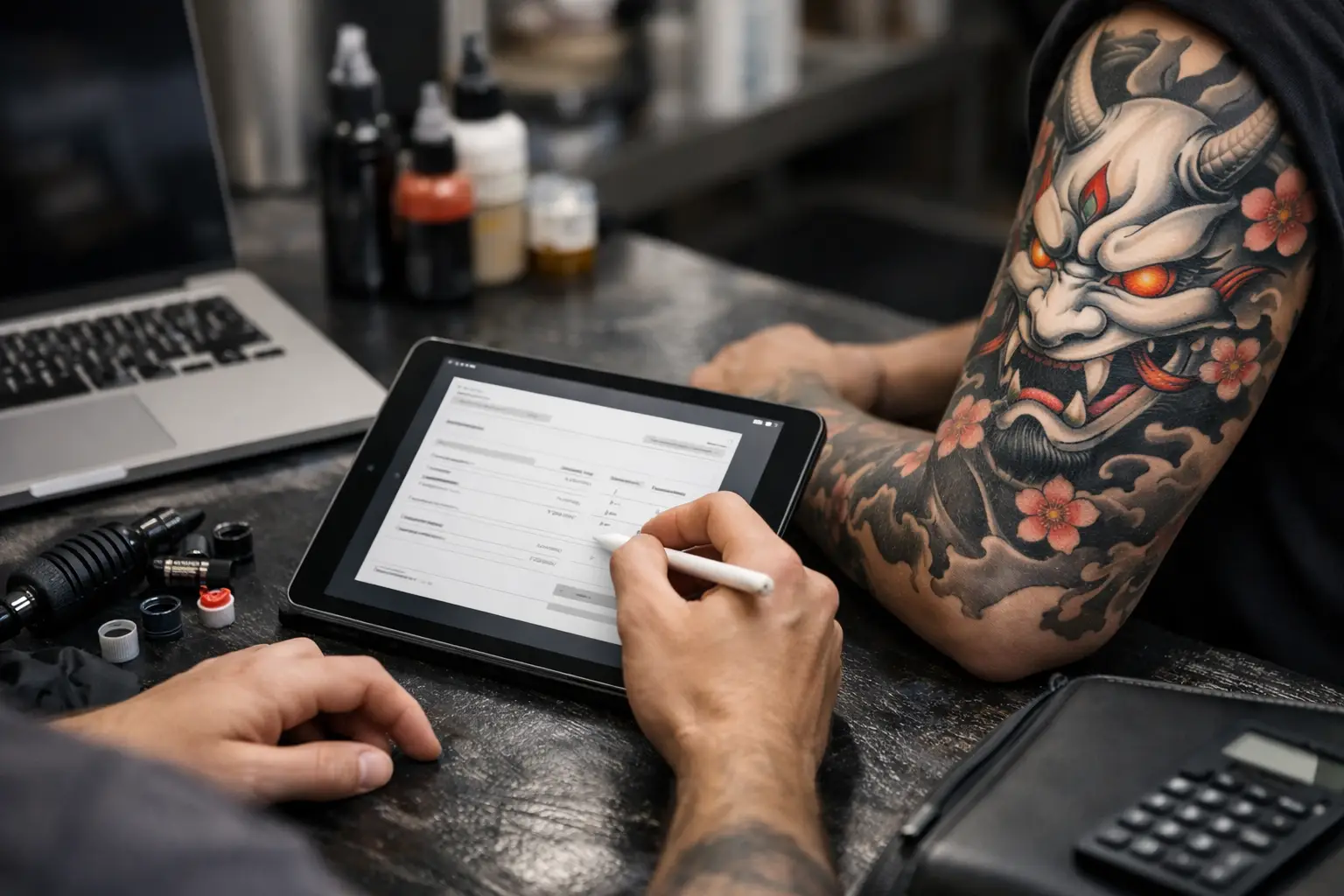
You finish a long session, your client is happy, and now comes the part nobody got into tattooing for - chasing a payment, checking a deposit, updating a calendar, and digging through old messages to remember what this appointment even included. That is exactly where tattoo invoice software earns its keep. Not by looking fancy, but by cutting the admin mess that eats up your day.
For tattoo artists, invoicing is rarely just invoicing. It is tied to deposits, multi-session pieces, reschedules, touch-ups, reference images, consent forms, and constant client communication. A generic invoice tool might send a bill, sure. But tattooing has its own workflow, and if your software does not understand that, you are still doing half the job manually.
What tattoo invoice software should actually do
A lot of tools can create an invoice. That is the easy part. The real question is whether the software fits the way a tattoo shop runs.
Good tattoo invoice software should connect the money side of the job to the rest of the client journey. A client sends an inquiry. You review the idea, size, placement, and references. They book a slot and pay a deposit. You send appointment details. They sign a consent form. The session happens. Then the remaining balance gets collected and recorded without you patching together three apps and a notebook.
That last part matters more than most artists think. If your invoices live in one place, deposits in another, and appointment notes in your DMs, mistakes happen. You forget who paid what. You lose track of session counts on larger projects. You spend your evening doing detective work instead of drawing.
Why generic invoicing tools usually fall short
Most standard invoice apps were built for freelancers with simple jobs - one project, one bill, maybe a tax line, done. Tattooing is not that clean.
A sleeve might need four sessions. A client may pay a deposit up front, move one appointment, add time, and split the final payment. Another client may ghost after filling your schedule with back-and-forth messages. Another may show up without the paperwork handled. These are normal tattoo shop problems. Generic invoicing tools do not fix them because they were never made for this kind of work.
That does not mean every artist needs a huge system with a hundred settings. It means you need something built for your actual day. If the software creates more steps than it removes, it is just another thing to manage.
The best tattoo invoice software works with bookings
This is where a lot of artists waste serious time. They book through Instagram, confirm by text, collect deposits through a payment app, and then try to invoice later from somewhere else. Every handoff is a chance for confusion.
When invoicing is tied directly to booking, things get easier fast. You can see who inquired, who booked, who paid a deposit, who still owes a balance, and which appointment that payment belongs to. No guessing. No scrolling through weeks of messages.
This is especially useful for artists working on larger custom pieces. Multi-session tattoos are hard enough to plan without having to manually track what has been paid after each appointment. Software that keeps invoices, session history, and client details together helps you stay on top of the project without building your own messy system.
Deposits are part of the invoice conversation
For tattooing, deposits are not some side feature. They are a core part of getting paid and protecting your time.
The right tattoo invoice software should make deposits easy to request, easy to collect, and easy to match to the appointment. It should also make it clear what that deposit is for. Is it going toward the final price? Is it non-refundable if the client no-shows? Was it moved with a reschedule? Those details matter.
If your current setup makes you answer the same payment questions over and over, the system is doing a bad job. Clients should know what they are paying, when they are paying it, and what happens next. You should not have to explain your process from scratch every single time.
Payment tracking matters more than people admit
A lot of artists can get by without polished reports. That is fair. But almost everyone benefits from cleaner payment tracking.
When your invoicing setup is organized, you can quickly answer simple but important questions. Did this client already pay a deposit? What is still due today? How many sessions have been paid on this back piece? Which appointments still need balances collected? You do not need accountant-level complexity. You need clear records that match the way you work.
This gets even more useful when multiple artists are working in one shop. Once several schedules, deposits, and client threads are moving at once, loose systems break down fast. A tattoo shop does not need more chaos with a logo on it. It needs one place where the money and the appointments make sense together.
Tattoo invoice software should reduce no-shows too
An invoice tool by itself will not fix flaky clients. But software that combines invoices, deposits, confirmations, and forms can absolutely cut down on wasted time.
Clients are more likely to follow through when the process feels clear. Inquiry. Book. Pay deposit. Sign consent. Show up. Pay remaining balance. That flow removes friction for both sides. It also gives clients fewer excuses to disappear because they were confused, forgot, or never got the right info.
That is why all-in-one tools tend to beat disconnected ones. Every step supports the next one. You are not just sending invoices. You are building a cleaner booking process that leads to more completed appointments.
What to look for in tattoo invoice software
If you are shopping around, keep it practical. The best choice is not the one with the longest feature page. It is the one that saves you the most time each week.
Look for software that handles invoices, deposits, bookings, client messages, consent forms, and session tracking in one place. Built-in payments help because they remove extra steps. Digital consent forms help because paper gets lost and clipboards are not magic. Reference image uploads help because clients always have something they want you to see.
Ease of use matters too. If you need a full setup weekend and three tutorials just to send a deposit request, that is a bad sign. Tattoo artists are busy. The tool should feel easy on day one and better by week two.
Price matters, but not in the cheap-for-cheap's-sake way. Dirt-cheap software that still leaves you juggling messages and spreadsheets is not actually saving money. You are paying with time, mistakes, and mental clutter.
When a simple setup is enough - and when it is not
Not every artist needs the exact same system. If you only take a few appointments a month and most of your work is straightforward, a lighter setup might be fine for now.
But if you are booking regularly, collecting deposits often, managing custom pieces, or dealing with lots of inquiry traffic, you will feel the limits of a basic tool pretty quickly. That is usually the tipping point. Once the admin starts bleeding into your drawing time, your current setup is costing you more than you think.
For many artists, the sweet spot is software that feels simple on the surface but is built for tattoo-specific tasks underneath. That is where an all-in-one app earns its place. OneBook, for example, is built around the real tattoo workflow - inquiries, bookings, consents, payments, and client communication - without making you wrestle with bloated features or high pricing. Thirty-day free trial. Then $19.99 a month. Easy math.
The real value is less switching, less chasing, less forgetting
That is the big picture. Good tattoo invoice software is not really about invoices alone. It is about removing the little points of friction that stack up all day.
Less app switching. Less payment chasing. Less wondering whether somebody signed the form, paid the deposit, or confirmed the appointment. More clarity. More tattoos. More room in your brain for the work that actually matters.
If your current system lives across DMs, text threads, calendar alerts, and paper forms, you do not need more hustle. You need fewer moving parts. Start there, and the rest of the shop runs smoother.
