Tattoo Appointment Scheduling App That Works
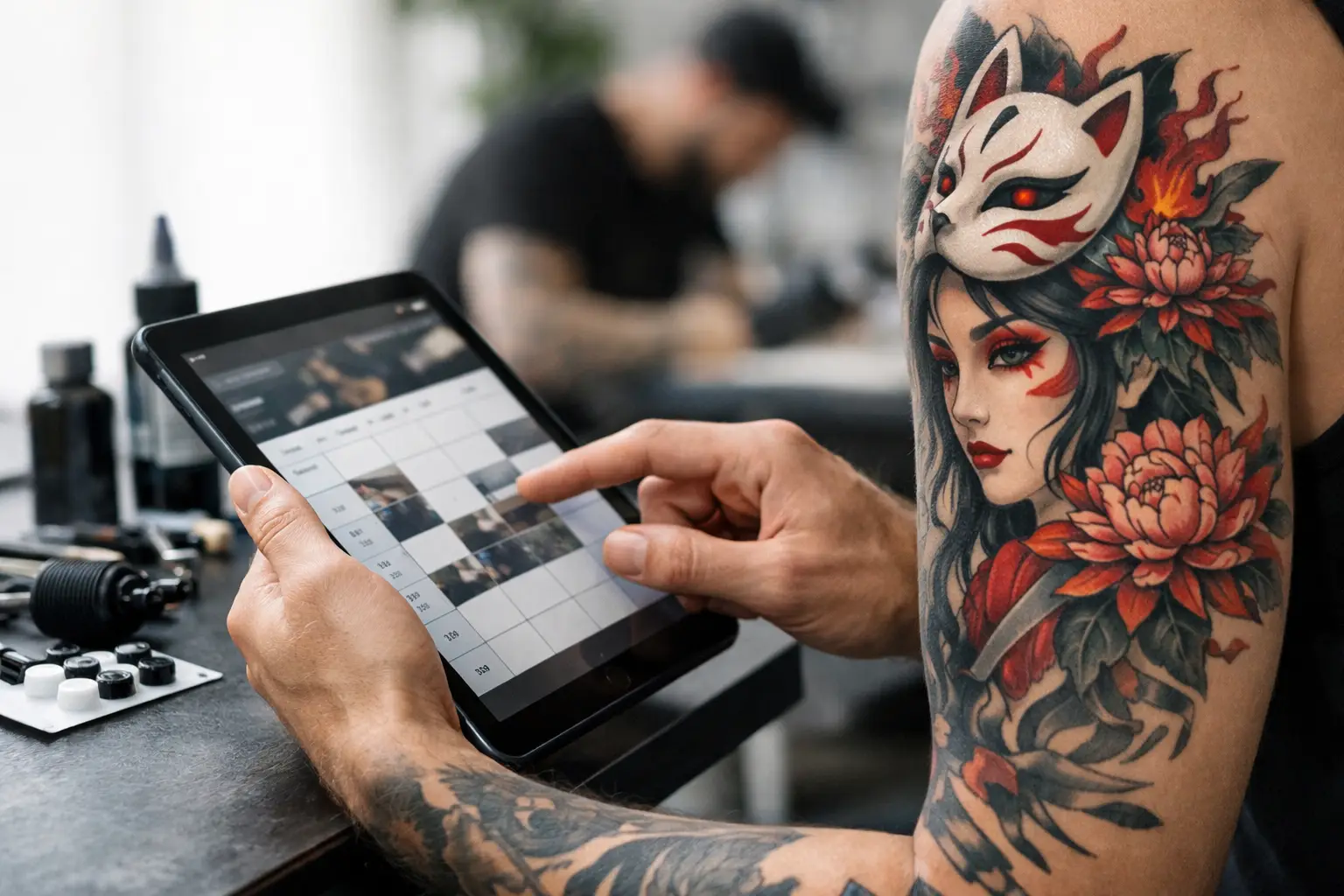
Your day gets weird fast when booking lives in five different places. A client sends a sleeve idea on Instagram, another asks about pricing by text, someone forgets their deposit, and now you are digging through your camera roll for a reference image you swore you saved. A tattoo appointment scheduling app fixes that mess - if it is actually built for tattooing.
What a tattoo appointment scheduling app should really do
A basic calendar is not enough. Tattooing is not a haircut, a massage, or a dinner reservation. Appointments have consults, custom designs, deposits, prep notes, reference images, touch-ups, and sometimes multiple full-day sessions spread across months. If your system only shows time slots, it is missing half the job.
A real tattoo appointment scheduling app should start before the booking even hits your calendar. It should help you collect the right inquiry details up front, so you are not wasting time chasing size, placement, style, budget, and reference photos through DMs. That alone cuts down the back-and-forth that eats your afternoon.
Then it needs to carry that info through the whole process. The best setup keeps the inquiry, the appointment, the client messages, the deposit, and the consent form tied to the same person. No jumping between apps. No guessing which "Sarah" you were talking to last Tuesday.
Why generic schedulers usually fall apart
Plenty of scheduling tools look clean in a demo. Then real shop life hits.
Generic apps are usually built for simple service businesses with fixed appointment lengths and predictable pricing. Tattoo work is different. A fine line flash piece and a full back project do not belong in the same booking logic. One might take 45 minutes. The other might become six sessions with shifting timelines and custom prep.
That is where generic software starts asking you to work around it. You make fake services, add messy notes, use separate payment apps, and store consent forms somewhere else. At that point, the app is not saving time. It is just giving your chaos a nicer font.
A tattoo-specific system should feel like it understands how artists actually book. It should handle custom inquiries, hold appointments with deposits, track repeat sessions, and keep everything attached to the client record. That is the difference between software you use and software you fight.
The biggest time drains it should remove
Most artists do not need more features. They need fewer headaches.
One of the biggest leaks is message chasing. When every lead starts in Instagram and then spills into texts and notes, details get missed. Maybe the client never sends the placement photo. Maybe you quoted one thing and booked another. A good system tightens the intake process so people answer the important questions before they land on your calendar.
The next problem is deposits. Collecting them manually sounds simple until somebody says they sent it, used the wrong handle, or forgot entirely. Built in payments make a huge difference here. When the deposit request is connected to the appointment itself, there is less room for confusion and fewer unpaid bookings clogging your week.
Consent forms are another classic mess. Paper forms get lost. PDFs get buried. Last-minute signing slows down the start of the appointment. Digital consent forms keep that part clean and automatic. Clients can handle it before they show up, and you are not hunting for a clipboard while your stencil printer is acting cursed.
Then there is multi-session work. Bigger projects are where a lot of systems tap out. You need to see what happened in the last session, what is booked next, what was paid, and what references belong to the piece. A tattoo appointment scheduling app should make long projects easier to manage, not harder.
Features that actually matter
The useful features are usually the least flashy.
Inquiry forms matter because they set the tone early. If a client can submit style, size, placement, availability, and reference images in one clean step, you get better leads and spend less time playing twenty questions. Better intake usually means better bookings.
Calendar management matters too, but not just in the obvious way. You need to block time properly, avoid double-booking, and see your day without squinting through personal reminders and random notes. If you work in a busy shop, it also helps when the system can keep artists organized without turning the whole place into a spreadsheet convention.
Built in payments matter because they cut down no-shows and awkward follow-ups. Deposits should be part of the booking flow, not an extra task floating around in your messages. The easier it is for a client to pay, the more likely they actually do it.
Client communication matters because confirmation texts, reminders, and follow-ups save you from repeating yourself all week. But there is a balance here. Too much automation can feel cold or generic. The best systems handle the repetitive stuff while still giving you room to sound like yourself.
Digital consent forms matter for obvious reasons, but they also make the day smoother. Less paper. Less clutter. Less scrambling when the client is already in the chair.
It is not just about booking more clients
Sure, a better system can help you fill your books. But the real win is what happens after that.
When your booking process is organized, you make better decisions. You can quickly tell who is serious, who paid, who still needs to sign forms, and which projects are spread across multiple sessions. That means less mental clutter. Less admin brain. More room to actually draw, tattoo, and breathe between appointments.
Clients feel that difference too. When the process is clean, you look more put together without doing extra work. They get clear next steps, easy payment options, reminders, and a smoother check-in. That builds trust. It also makes them more likely to come back for the next piece instead of disappearing into the void.
A lot of artists think they need to tough it out with DMs because that is where clients already are. Fair point. DMs are great for attention. They are terrible for operations. The smart move is not abandoning Instagram. It is stopping Instagram from becoming your filing cabinet.
Choosing the right tattoo appointment scheduling app
Not every artist needs the same setup. A solo artist doing mostly custom work has different needs than a street shop handling walk-ins, flash, and multiple calendars. So the right choice depends on your workflow.
If you mostly book large custom pieces, look for strong inquiry forms, reference image storage, and multi-session project tracking. If your schedule is packed with smaller appointments, speed matters more - fast booking, quick reminders, easy deposits, and clean calendar visibility.
Either way, skip anything bloated or weirdly corporate. If it looks like software made for people who have never had to reschedule a six-hour appointment because a client forgot to send their deposit, it probably is.
You want something easy enough to use when you are tired, busy, and halfway through cleaning your station. That matters more than a giant feature list.
The simple test
Ask yourself this: when a new client reaches out, how many places do you have to check before they are fully booked?
If the answer is Instagram, text, notes, calendar, payment app, and a paper form somewhere near the front desk, you already know the problem. The booking process is running you.
A good tattoo appointment scheduling app pulls that into one system. Inquiry. Appointment. Deposit. Consent. Communication. Done. That is the whole point.
For artists who are tired of piecing it together, an all-in-one tool like OneBook makes a lot of sense. It was built for tattooers, keeps the process tight, and starts with a 30-day free trial at a dirt-cheap monthly price after that. No circus. Just less admin and more tattoos.
The best booking system is the one that gets out of your way, keeps your schedule clean, and lets you spend more time doing the work people actually come to you for.
