Mobile Tattoo Booking App Review for Artists
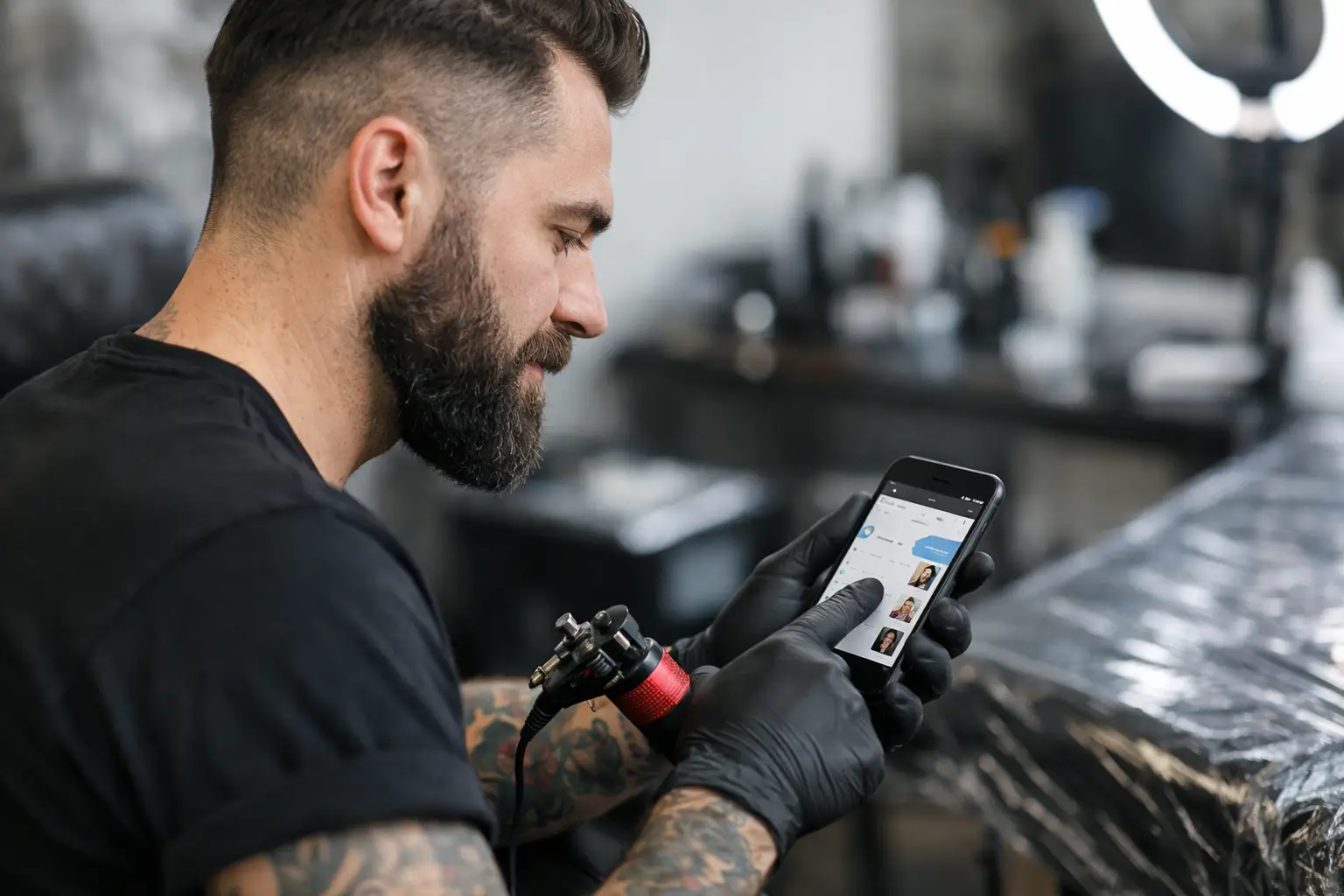
Your phone should help you fill your books, not trap you in a 47-message DM thread with someone who still has not picked a date. This mobile tattoo booking app review is for artists who want to handle the boring stuff from their phone without turning tattooing into a desk job.
A good booking app is not about fancy charts or corporate buzzwords. It is about fewer loose ends. The client sends an inquiry. You approve the tattoo. They pick a time, pay the deposit, sign the consent, and show up ready. That is the whole point.
What a Mobile Tattoo Booking App Should Actually Do
Most artists do not need another app that does one tiny thing well and then sends them somewhere else for payment, paperwork, or scheduling. That is how you end up with reference photos in DMs, deposits in a payment app, dates in your calendar, and consent forms buried under a pile of clipboards.
A booking app earns space on your phone when it keeps the entire appointment moving in one direction. Inquiry to appointment. Appointment to deposit. Deposit to consent. Consent to payment. No scavenger hunt required.
The best setup will let you check submissions between clients, approve or decline work without a laptop, and see exactly who is booked, paid, and ready to tattoo. If you still need three other apps open to finish one booking, the app is not doing enough.
Mobile Tattoo Booking App Review: The Stuff That Matters
Here is what separates a useful tattoo booking app from another monthly charge you forget to cancel.
Inquiries should collect the details before you reply
A vague message that says, Can you tattoo me, is not an inquiry. It is homework. Before you give a quote or open your calendar, you need the placement, approximate size, style, reference images, preferred dates, and enough context to know whether the piece is a fit.
A solid inquiry form does that sorting for you. Clients give you the basics up front, so you are not playing twenty questions while trying to set up your station. You can look at the request on your phone, make a call, and move forward without digging through old messages for the one photo they sent at 1:12 a.m.
This also protects your time. Not every request deserves a full back-and-forth. Clear information makes it easier to take the work you want and politely pass on what you do not.
Your calendar needs to be real, not wishful thinking
Booking from a phone sounds simple until the calendar is out of date. Then a client books a time you already promised to someone else, and your week gets messy fast.
Look for a calendar that shows your actual availability and makes it easy to control when clients can book. You should be able to review requests before confirming them if that is how you work. Some artists want instant booking for flashes or consultations. Others need to approve every custom piece first. Both are fair. The app should work around your process, not force you into somebody else's.
Mobile access matters here because tattoo schedules move. A client reschedules. A session runs long. You get a cancellation and want to fill the hole. Being able to update your day from the shop floor beats waiting until you get home and hoping you remember.
Deposits should not require a chase scene
A client who says they are definitely coming is not booked until the deposit lands. It sounds blunt because it is true.
Built-in deposits make the rule clear. The client gets the booking details and pays what is required to hold the spot. You can see the status without checking messages, screenshots, or a separate payment app. That means less back-and-forth for you and fewer accidental unpaid appointments sitting on the calendar.
The trade-off is simple: you need to set your deposit and cancellation rules clearly. An app can collect the money, but it cannot write boundaries for you. Put the policy where clients will see it before they book. Short, plain language wins.
Consent forms should not live in a drawer
Paper consent forms have a special talent for disappearing exactly when you need them. They get misplaced, filed under the wrong name, or left on a counter with three coffee rings on them.
Automatic consents keep the paperwork tied to the appointment. The client can complete it before the session, and you can pull it up from your phone when needed. Less clipboard shuffling. Less awkward pause while someone fills out a form with gloves already on.
For artists working conventions, guest spots, or busy multi-artist shops, this is especially useful. Your paperwork goes where your phone goes. Just make sure the app gives you a clear record and makes consent simple enough that clients actually finish it.
Payments need to close the loop
Deposits get clients in the door. Built-in payments help finish the job once the tattoo is done. Instead of doing mental math, opening another app, and wondering whether the payment went through, you can keep the appointment and payment in the same place.
That does not mean every artist will use payments the same way. Some clients pay the remaining balance with a card. Some use another method. The value is having a clean option built into the booking flow when you need it, not being forced into a complicated checkout ritual.
Is It Actually Easy to Use From a Phone?
This is where a lot of booking tools fall apart. They look fine on a big screen, then turn into tiny buttons and endless menus on your phone. If you cannot approve an inquiry, check a deposit, or find tomorrow's appointment in under a minute, it is not mobile-friendly. It is just technically available on mobile.
The test is simple. Can you use it with one hand while you are between clients? Can you find what you need without a tutorial? Can a client complete their side without texting you for help? If the answer is no, the app is adding friction instead of removing it.
OneBook is built for this exact mess: inquiries, appointments, deposits, payments, and consent forms in one app. It is made for tattoo artists who are tired of stitching together five tools just to book one person.
Price Matters, But So Does What You Replace
A cheap app is not cheap if it only handles appointments and leaves you chasing deposits somewhere else. A pricier app is not worth it if half the features never get used. The right move depends on how you book, how many clients you see, and how much admin is currently eating your evenings.
For a straightforward all-in-one option, OneBook offers a free 30-day trial and costs $19.99 a month after that. That is dirt cheap if it replaces the daily pile of DMs, payment reminders, forms, and calendar double-checks. Try it with real bookings during the trial, not just a pretend test appointment. That is when you find out whether it fits your shop.
The Real Verdict for Busy Artists
The best mobile tattoo booking app is the one that gets you out of your inbox and back to your machine. It should make clients do their part before they take up your time, give you a clear view of your day, and keep the appointment details together from first inquiry to final payment.
Do not pick an app because it has the longest feature list. Pick one that fixes the parts of booking that make you want to throw your phone across the room. Start with one clean rule: no date is held without the right details, a deposit, and completed consent. Your future self, staring at a full calendar instead of a pile of loose ends, will be glad you did.
