How to Automate Tattoo Inquiries Right
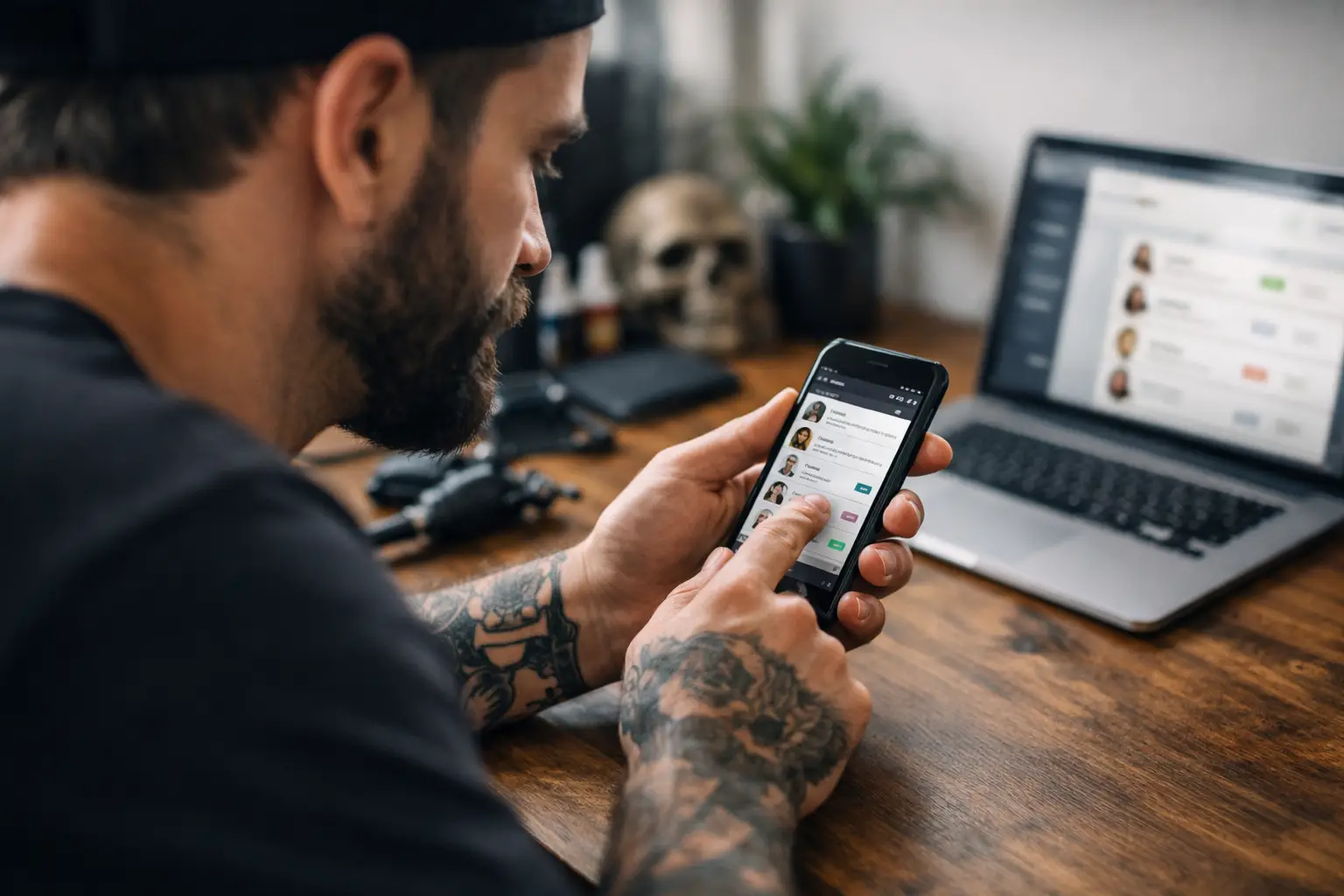
You know the message. “Hey, how much for a tattoo?” No placement. No size. No reference. Sent at 11:48 PM with three blurry screenshots and a prayer. If you’re figuring out how to automate tattoo inquiries, that chaos is exactly where to start.
The goal is not to turn your shop into a call center. It’s to stop answering the same questions 40 times a week, stop losing solid clients in your DMs, and stop doing unpaid admin when you should be tattooing. Good automation feels less like a robot and more like a front desk that actually does its job.
Why most tattoo inquiry systems still suck
A lot of artists hear “automation” and picture cold auto-replies, canned messages, and clients getting annoyed. Fair. Bad automation does exactly that. It creates more friction, not less.
The real problem usually isn’t that artists need more messages. They need better information earlier. Most inquiry messes happen because the client starts with a vague DM, you ask six follow-up questions, they reply two days later, then disappear when you finally send deposit info. That’s not a booking process. That’s admin purgatory.
If you want to automate tattoo inquiries the right way, the system has to do three things well. It should collect the details you actually need, filter out bad-fit inquiries without wasting your time, and move serious clients straight toward booking. If it can’t do those three things, it’s just making your phone buzz harder.
How to automate tattoo inquiries without sounding robotic
Start by looking at what you repeat every single day. Most artists answer the same stuff over and over: pricing basics, whether they take walk-ins, how to send references, where the tattoo is going, what styles they book, and how deposits work.
That repeatable stuff should never live only in your DMs. It should live in a proper inquiry flow.
A solid automated setup starts with an inquiry form that asks for the right details up front. Not a giant interrogation. Just the stuff that actually helps you price, prep, and decide whether the project fits. Placement, approximate size, style, color or black and gray, reference images, preferred dates, and anything else that matters to your process.
That alone cuts a huge amount of back-and-forth. Instead of dragging details out message by message, you get one complete inquiry you can actually use.
Then comes the part artists usually skip: setting expectations. This is where automation stops being annoying and starts being useful. After a client submits an inquiry, they should immediately know what happens next. Tell them when to expect a reply, whether a deposit is required, and what booking looks like from there. People don’t mind waiting as much when they know what the wait is.
That one move also cuts the “just checking in” messages.
The best automation feels like a filter
Not every inquiry deserves the same amount of energy. That sounds harsh, but it’s true. Some clients are ready to book. Some are price shopping. Some are sending “can u do this” with a Pinterest collage and zero plan.
Automation helps by sorting those people before they eat your afternoon.
If your form asks the right questions, you can spot serious inquiries fast. Complete details, clear references, realistic placement, preferred dates, and no weird mystery around budget or expectations? Good sign. Vague answers, no photos, no clue what they want, and a request for a full-day custom piece next Tuesday? Also a sign. Just a different one.
This doesn’t mean you have to be rude. It means your system should help you spend your time where it counts. Serious clients should move forward quickly. Bad fits should get a polite response or clear next step without you manually rewriting the same message every time.
That’s the trade-off with automation. If you overdo it, people feel brushed off. If you underdo it, you become a full-time receptionist with a tattoo machine on the side. The sweet spot is simple: automate the boring parts, keep the human part for decisions and real conversations.
Where artists lose bookings
Usually not on the tattoo. On the handoff.
A client sends an inquiry. You reply later that night. They answer the next morning. You ask for a deposit. They ask where to send it. You send your payment app. They forget. You follow up. They vanish. Two days later, that time slot is still sitting there unpaid.
That’s where most booking systems fall apart.
If you’re serious about how to automate tattoo inquiries, don’t stop at the first reply. The whole path matters. Inquiry, response, deposit, booking confirmation, consent forms, reminders. If one step is messy, the whole thing slows down.
This is why all-in-one matters. When inquiry forms, appointments, deposits, built-in payments, and automatic consents all live in one place, the process moves. Clients don’t have to bounce between your Instagram, your notes app, your payment app, and whatever screenshot you sent three days ago. They ask. You review. They pay. They book.
Less chasing. Fewer no-shows. More tattoos.
What your automated tattoo inquiry flow should include
Keep it lean. Clients should be able to finish it without needing a snack break.
First, collect project details. Ask for enough to quote and plan, not enough to write a novel. Second, send an instant confirmation so they know the inquiry went through. Third, review and approve the right projects. Fourth, send the booking step with deposit collection built in. Fifth, trigger confirmations, reminders, and consent forms automatically.
That’s it. Not ten apps. Not a spreadsheet and a prayer.
If you’re doing custom work, you may still want a manual review before offering dates. Good. Automation doesn’t mean every project gets auto-approved. It means you stop repeating the same admin steps around your actual judgment.
That “it depends” part matters. Flash days, repeatable designs, and simple bookings can often be more automated. Large custom projects usually need more of your eyes on them. Different flow, same goal.
What to say in your automated replies
Keep it clear. Keep it short. Keep it sounding like a person.
A good auto-reply should confirm the inquiry, say when you’ll review it, and explain the next step. That’s enough. You do not need a fake corporate welcome message that sounds like an airline email.
Same thing with deposit messages and reminders. Say what they need to know and nothing extra. Clients appreciate direct. Tattooing already comes with enough unknowns.
And don’t use automation to hide. If someone submits a strong inquiry, make the follow-up feel real. A short personal note after the automated intake goes a long way. That’s how you keep the system efficient without making it feel dead.
Signs your current setup needs help
If you’re losing inquiries in Instagram message requests, it needs help. If you’re manually asking every client for the same details, it needs help. If you’ve ever searched your camera roll for a screenshot of a deposit receipt, it definitely needs help.
Another big one is mental clutter. Even when you technically “have a system,” it can still be messy enough to drain you. The tabs, the reminders, the follow-ups, the unpaid deposits, the unsigned forms. None of that is tattooing. It’s just the stuff wrapped around tattooing.
The fix is not more hustle. It’s a better process.
One app beats patchwork
Most artists don’t need a giant tech stack. They need one place where inquiries turn into bookings without a bunch of side quests.
That’s the whole point. OneBook was built for tattoo artists who were tired of juggling DMs, booking forms, consent paperwork, deposits, and payment apps. It puts inquiries, appointments, automatic consents, and built-in payments in one place, so you can stop chasing deposits and get back to work.
It’s easy to use, dirt cheap, and there’s a free 30-day trial. After that, it’s $19.99 a month. Which is less painful than losing one decent booking because your messages turned into a scavenger hunt.
The real win is headspace
When artists ask how to automate tattoo inquiries, they usually mean speed. Faster replies. Faster booking. Less back-and-forth. All good.
But the better win is quieter brain space. You stop carrying every unfinished inquiry around in your head. You stop wondering who paid, who ghosted, who still needs a form, who asked for next month, who sent that snake reference from three different accounts.
Automation doesn’t replace your voice. It protects it. It gives you a clean process for the repetitive stuff so you can save your energy for the work that actually needs you.
That’s the whole game. Make it easy for good clients to book. Make it harder for admin to eat your day. Then go tattoo.
