Best Software for Tattoo Artists in 2026
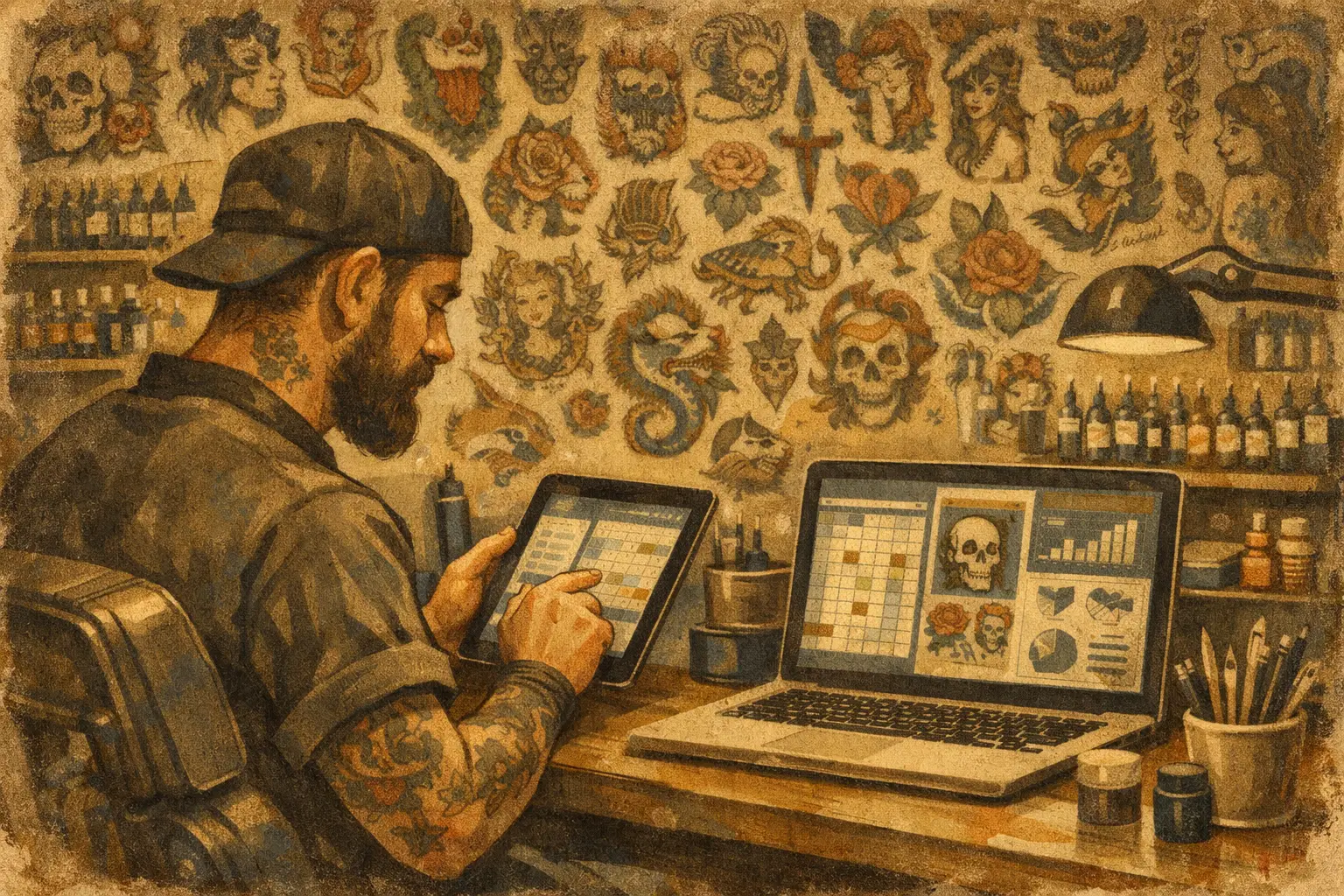
If your "booking system" is Instagram DMs, Notes app screenshots, a payment app, and a prayer, you already know the problem. The best software for tattoo artists is not the one with the longest feature list. It’s the one that stops the daily nonsense - ghosted inquiries, missing deposits, unsigned forms, and that one client who swears they "never got the message."
Most artists do not need more apps. They need fewer moving parts. One place for inquiries, appointments, deposits, consent forms, and payments. That’s the whole game.
What makes the best software for tattoo artists?
Tattooing has its own kind of admin mess. It’s not like running a haircut calendar or a generic appointment tool. Clients send blurry reference pics at 11:43 p.m. They want a quote before giving useful details. They forget to fill out forms. They ask if cash is okay after you already sent deposit instructions.
So the best software for tattoo artists has to be built around how tattoo bookings actually work.
First, it needs to catch inquiries in a clean way. Not just name and email. You need placement, size, style, reference images, budget if you ask for it, and enough detail to tell the difference between a serious booking and someone just killing time on their lunch break.
Second, it has to handle scheduling without turning you into a full-time receptionist. That means available dates, clear appointment details, and fewer back-and-forth messages. If you still spend 20 minutes per client just finding a date that works, the software is not helping enough.
Third, deposits have to be built in. This one matters because people are way more committed when money is attached. If you’re bouncing between your calendar and a separate payment app, stuff slips through. Deposits get forgotten. Clients get confused. You end up chasing money like a debt collector with a machine.
Fourth, consent forms should not live in a drawer, a PDF app, and your front desk all at once. Automatic consents save time, keep records clean, and make check-in less annoying for everybody.
And finally, payments should be part of the same system. Not because it sounds fancy. Because it’s easier. Easier for you. Easier for the client. Easier when you need to check what was paid, what is still owed, and what happened on a specific appointment.
The real test: does it save you time every week?
This is where a lot of software falls apart. It looks slick in a demo, then adds three new steps to every booking.
Good tattoo software should make your week lighter. You should spend less time answering the same questions, less time sorting out no-shows, and less time digging through old messages looking for a reference photo from two Tuesdays ago.
A simple test helps. Ask yourself what happens from first inquiry to finished tattoo.
If the process still looks like this - DM, email, calendar, payment app, waiver form, reminder text, and then another payment app - it’s still too messy. Every handoff is a chance for something to get missed.
The best setup feels boring in the best way. Inquiry comes in. Client fills out the right details. You approve the booking. Deposit gets paid. Consent gets handled. Appointment is on the calendar. Payment is easy on the day. Done.
That’s not glamorous. It is profitable.
Best software for tattoo artists should fix these 5 headaches
A lot of artists shop for software by looking at features. Better move is looking at headaches.
1. Too much back-and-forth
If every booking starts with 14 messages just to get basic info, your process is leaking time. Good software replaces that with a proper intake flow. The client gives you what you need upfront, so you can decide faster and book faster.
2. Chasing deposits
This one gets old fast. You send the info. They say they’ll pay tonight. Then tomorrow. Then payday. Then they vanish. Built-in deposits cut that drama down hard. No deposit, no booking. Clean and simple.
3. No-shows and last-minute chaos
A proper system helps here with confirmations, reminders, and a tighter booking process. Nothing eliminates flaky people completely. Let’s be real. But when clients have paid a deposit, signed what they need to sign, and received clear appointment details, they’re less likely to disappear.
4. Consent forms all over the place
Paper forms are annoying until you need one and can’t find it. Digital consents keep things tidy and easier to track. That matters on busy days when your station is set, your machine is ready, and you don’t want to become a filing cabinet.
5. Payments split across too many tools
When deposits are in one app and final payments are somewhere else, your records get ugly fast. All-in-one payments make it easier to track what a client paid and when.
All-in-one beats patchwork almost every time
Some artists piece together their own stack. A form tool here, a calendar there, a payment link somewhere else. That can work for a while, especially if your volume is low or you weirdly enjoy admin.
But patchwork systems usually cost more attention than they save in money. You have to maintain them, explain them to clients, and remember where everything lives. The problem is not just price. It’s mental clutter.
All-in-one software keeps everything in one place, which sounds obvious until you’ve had to search three apps for one client’s info. It also creates a more consistent client experience. They are not being bounced around from link to link wondering if they are actually booked yet.
That said, all-in-one only wins if it stays easy. If the software tries to do everything and ends up feeling bloated, that’s its own problem. The sweet spot is simple, tattoo-first, and fast to use between appointments.
What to look for before you commit
Do not pick software because the homepage looks cool. Pick it based on what your actual week looks like.
If you do mostly custom work, your inquiry form matters a lot. You need enough detail to quote and schedule properly. If you do high volume flash days, speed matters more. You need a setup that keeps intake and payments moving without creating a line of confused people at the front.
If you work solo, you probably want something dirt cheap and easy to start using today. If you run a busy shop, you may care more about keeping records organized across multiple artists and making sure no one is missing forms or payment details.
Whatever your setup, a few things are non-negotiable. It should be easy for clients to use, easy for you to manage, and built for tattoo artists instead of trying to force a generic booking tool into tattoo life.
A free trial matters too. Not because free is magical, but because software always sounds better before you actually use it. A real test is whether it saves you time by day three.
Where OneBook fits in
OneBook was built for this exact mess. Not for salons. Not for random service businesses. For tattoo artists.
It puts inquiries, appointments, deposits, consent forms, and payments in one app, so you’re not juggling five different tools just to book one piece. It’s easy to use, dirt cheap at $19.99 a month after a Free 30-Day Trial, and focused on one thing - less admin, more time tattooing.
That won’t matter if you love spreadsheets and chasing deposit screenshots. If you’re over that life, it probably will.
The best software is the one you’ll actually use
That sounds obvious, but it’s where people get stuck. They choose something packed with features, then never fully set it up. Or they stay with a broken system because switching feels annoying.
The right software should feel like relief pretty fast. Fewer messages. Fewer missed details. Fewer deposit problems. Fewer no-shows. More tattoos.
And if a tool can’t help you do that, it’s just another icon on your phone.
Your booking process should not eat the same energy you need for drawing, tattooing, and dealing with actual humans all day. Keep it simple. Keep it tight. Pick the system that gets the admin out of your way so you can get back to the work people actually come to you for.
